Bakery, cake and sweet shop POS
Bakery and sweet shop billing software with cake orders and gift boxes
Take a birthday cake order with a deposit, send it to the kitchen with the message and design, sell mithai and namkeen by weight, pack festival gift boxes that never go over capacity, and plan tomorrow's baking from the orders you already have.
Start with a 14-day free Fininvo ERP trial, then add POS counters. Paid plans start after the trial.
 Cake ordersDeposit and pickup date
 Gift boxesCapacity checked
 By weightMithai by the gram
Two businesses under one roof
A bakery is a shop in front and a kitchen behind
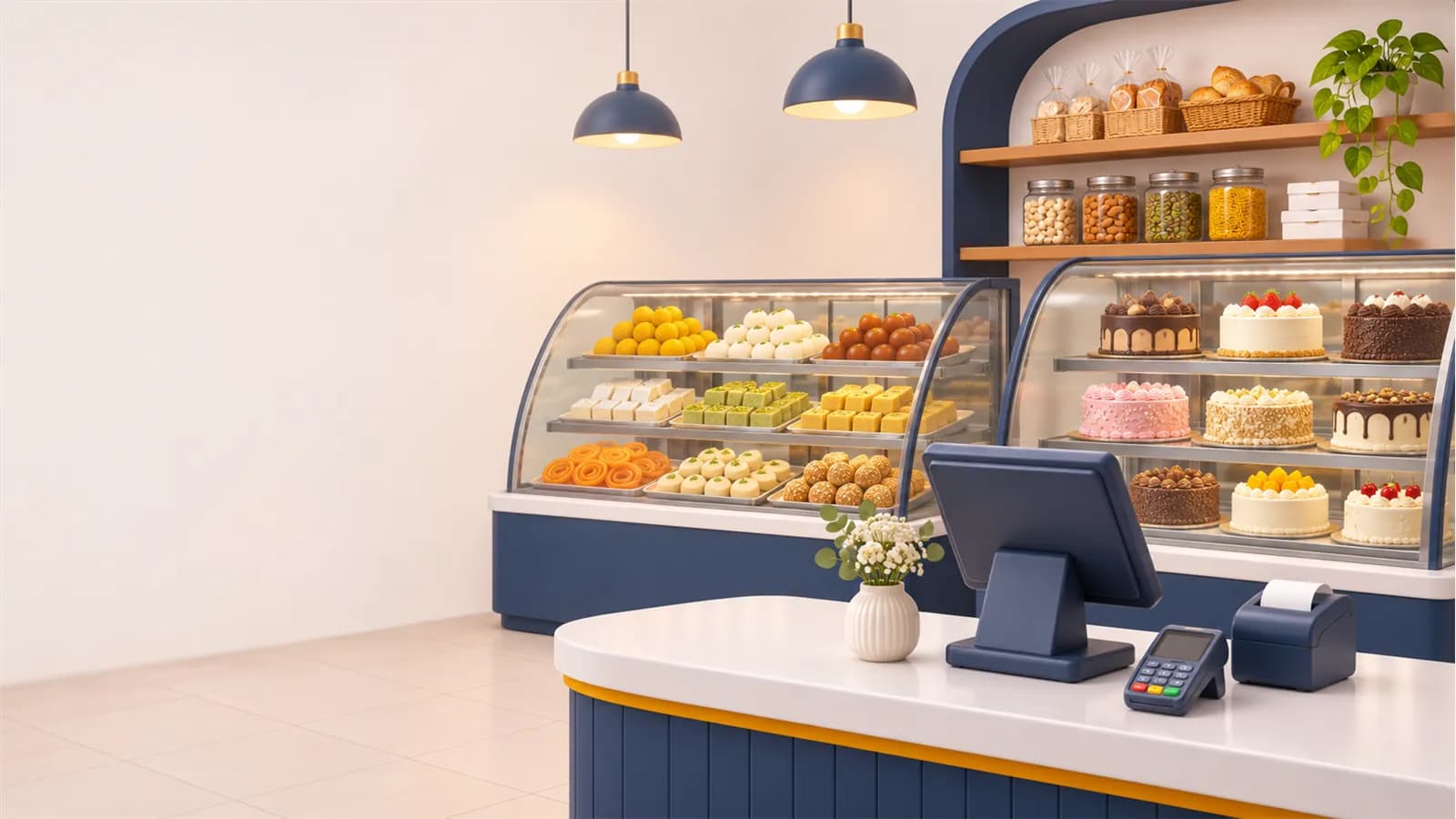
At the front, a bakery or sweet shop is a fast counter: a box of puffs, half a kilo of kaju katli, a loaf of bread, paid by UPI. Behind it is a kitchen that has to know, before dawn, how many cakes are due today, what each one says on top, and how much of every sweet to make so that the display is full at six and nearly empty at closing. Most shops run the counter on a billing app and the kitchen on a notebook and phone calls, and the deposits for cake orders sit in a third place altogether.
Fininvo joins the two. An advance order taken at the counter or over the phone carries its due date and time, its instructions and its deposits. The kitchen sees it on the production sheet with the other orders for the day. On pickup, the counter loads the order and applies the deposits already paid, once. Counter sales and gift boxes take sweets out of stock by weight, and the production that made them brought them into stock through your recipes at their real cost.
Bakery stock does not last, so the counter helps you sell it in time. Items on their last day carry a use today badge, expired batches are never billed on an order, and whatever remains at closing is recorded as waste with a reason and an approval. The owner can then see, week by week, which items are over-produced.
Worked examples
A birthday cake order and a festival gift box
Two jobs that a plain billing app cannot do. Amounts are illustrative, in your company currency.
| When | What happens | Paid | Balance |
|---|---|---|---|
| Monday | Order taken: 1.5 kg chocolate cake, message "Happy 10th Riya", pickup Saturday 5 pm. Design required. | 1,800.00 | |
| Monday | Deposit taken by UPI | 500.00 | 1,300.00 |
| Wednesday | Customer approves the design picture. Second deposit in cash | 500.00 | 800.00 |
| Saturday | Order on the production sheet in the morning, kitchen copy printed | 800.00 | |
| Saturday 5 pm | Bill order at the counter. Both deposits applied. Balance by UPI | 800.00 | 0.00 |
| Sweet | Quantity |
|---|---|
| Kaju katli | 200 g |
| Motichoor laddu | 150 g |
| Milk peda | 100 g |
| Dry fruit barfi | 50 g |
| Box capacity | 500 g of 500 g |
The flavour, weight and message live in the order instructions and print on the kitchen copy. Nobody has to find a slip of paper on Saturday: the order is on the production sheet, and at the counter the two deposits are applied once, automatically, so the cashier only collects 800.00.
The gift box is full at 500 g, so adding another 50 g of barfi would be refused. Each sweet is taken from stock that is in date, and the box price is the sum of the four sweets at their own rates. The packaging comes out of stock with the box.

 Custom cakes
 Birthday
 Deposit
Cake and advance orders
Every order with its date, its design and its deposits
An advance order records whether the customer will collect or wants delivery, the due date and time, the items, and free text instructions for flavour, weight, eggless preference or the message on the cake. A reference picture can be attached, and orders that need a custom design can be marked design required, then design approved once the customer agrees. Phone orders can be taken by staff the same way.
Deposits can be taken in parts by cash or UPI, and the balance due is always shown on the order. Orders can be rescheduled, handed over in parts, or cancelled, which releases any stock reserved for them. On the day, bill the order at the counter and every linked deposit is applied once, so a deposit can never be counted twice.
- Pickup or delivery, date and time
- Instructions and reference picture
- Design required and approved
- Part deposits, balance shown
- Deposits applied once at billing
- Reschedule, part handover or cancel

 Gift boxes
 Mithai
- Dry fruit
Gift boxes
Festival gift boxes packed right, every time
Before Diwali or a wedding season, the counter packs hundreds of boxes. A manager sets up each box type once: its packaging, its capacity in pieces or grams, which sweets may go in it and how many grams a piece of each weighs. At the counter, staff enter how much of each sweet the customer wants.
The system checks that the box is not over capacity, that each sweet is allowed in that box and that the stock used is in date, and then the box is billed at the counter. Its price is the sum of the sweets inside, each with its own GST rate, and the packaging leaves stock along with the sweets. Gift boxes are billed on the online counter.
- Box templates with packaging and capacity
- Capacity in pieces or grams
- Allowed sweets per box
- In-date stock only
- Price is the sum of the sweets, own GST rate each

 Bread
 Pastries
 Puffs
Production and waste
Bake to orders, not to guesswork
The production sheet adds up the advance orders due for a day and, if you want, a forecast for counter sales. Production is released and completed through your recipes in Fininvo ERP, so flour, sugar, butter and cream are consumed and the finished items come into stock at their cost. If a recipe is changed after a batch was released, a manager reviews it before it is completed.
A central kitchen can dispatch to outlets, with any shortage recorded, and a costing comparison shows what the batch was expected to cost against what it did. At day end, unsold or damaged items are recorded as waste with a reason: unsold at end of day, damaged, expired, quality reject or other, each approved by a manager.
- Production sheet from orders and forecast
- Recipes consume ingredients
- Finished goods into stock at cost
- Central kitchen dispatch
- Waste with reasons and approval
At the counter
Fast front counter for a fresh display

Sale by weight
Sweets and namkeen in kilos or grams take decimal quantities, and scale labels with weight or price scan straight in.
Use today
Items on their last day show a use today badge, so staff offer them first.

UPI and cash
Take UPI, cash or a split of both, and record deposits on orders the same way.

Loyalty and gift cards
Points on spend for regulars, and gift cards for festivals and birthdays.
A bakery day
From the order book to the closing count
- 1
Take orders
Cake and advance orders come in at the counter or by phone, with deposits.
- 2
Plan
The production sheet totals the orders due and the forecast for the day.
- 3
Bake
Release and complete production through recipes; finished goods come into stock.
- 4
Sell
Bill counter sales by piece or weight, and pack gift boxes to capacity.
- 5
Hand over
Bill each order at pickup; deposits are applied and the balance collected.
- 6
Close
Record unsold items as waste with a reason, then close the shift.
FAQ
Frequently asked questions
How do I take cake orders with an advance in bakery billing software?
Create an advance order with the pickup or delivery date and time, the items, and your instructions such as flavour, weight and the message on the cake. Attach a reference picture if the customer has one. Take a deposit by cash or UPI; part payments are allowed. On the pickup day, bill the order at the counter and the deposits already paid are set against the bill, so the customer pays only the balance.
Can the kitchen see the order details?
Yes. Each bakery order prints a kitchen copy and a pickup copy, and can be marked as design required and design approved when the cake needs a custom design. Orders due on a day flow into the production sheet so the kitchen plans from real orders.
Can I sell sweets by weight?
Yes. Sweets and namkeen set up in kilos or grams take decimal quantities at the counter. If your scale prints barcode labels with the weight or price inside, scanning the label adds the exact quantity, and the server checks the label so a changed quantity is refused.
How do sweet gift boxes work?
A manager sets up a gift box template with its packaging and a capacity in pieces or grams. At the counter, staff enter how much of each sweet goes in. The system checks the box is not over capacity, that each sweet is allowed in that box, and that the stock is in date. The box is billed as the sum of its sweets, and each sweet keeps its own GST rate.
Does it plan daily production?
Yes. The production sheet adds up the advance orders due and an optional forecast, then production is released and completed through your recipes in Fininvo ERP, so ingredients are consumed and finished goods come into stock at cost. If a recipe changes after release, a manager reviews it first.
How is unsold stock and waste recorded?
At day end, unsold or damaged items are recorded as waste with a reason, such as unsold at end of day, damaged, expired or quality reject, and a manager approves it. Items on their last day show a use today badge on the counter, and expired batches are always blocked when an order is billed.
14 days free, full access
Set up your bakery or sweet shop on Fininvo
Add your products and recipes, take your first cake order with a deposit, and bill the counter. Production, stock and accounts stay in one place.
Start with a 14-day free Fininvo ERP trial, then add POS counters. Paid plans start after the trial.