Restaurant POS
Restaurant billing software with KOT and kitchen display
Take orders at the table, send kitchen order tickets to the right station, watch dishes move on the kitchen display and settle split bills in seconds. Dine-in, takeaway, delivery and cloud kitchen brands run from one counter linked to your ERP.
Start with a 14-day free Fininvo ERP trial, then add POS counters. Paid plans start after the trial.
 KOT by stationPrinted or on screen
 Tables and floorLive table status
 QR orderingStaff accept each request
Why restaurants switch
Billing is the easy part. The kitchen is where service is won or lost.
A restaurant bill touches more people than a shop bill. The captain takes the order, the kitchen cooks it in parts, the runner serves it, and the cashier settles it, often split between friends. Paper KOTs get lost, dishes go out late and the bill at the end does not match what the kitchen made. Fininvo restaurant billing software ties those steps together so every dish on the bill has a ticket behind it.
Orders are taken against a table or a takeaway token. Each item knows which station cooks it, so one send can print a tandoor ticket and a bar ticket at once. The kitchen display shows waiting time per dish and flags late ones, and the cashier sees the same order when it is time to bill. Voids and complimentary items need a reason, and the ones that need a manager ask for a manager PIN, which keeps leakage visible.
- Floor plan
 Join tables
 Reservations
 Table for two
 Table for six
 Booth
Tables and floor plan
See every table at a glance
Draw your restaurant once in the floor plan editor: sections such as the main hall, the terrace and the bar, tables of two, four, six or eight, and fixtures like the cash counter and the kitchen pass. During service each table shows whether it is free, seated, ordered, waiting for food, or waiting for the bill.
Join tables for a large group and move a party to another table without losing the order. Reservations sit on a board in 15 minute slots, with a waitlist and a Seat now action when a table frees up. Drag a booking to another slot or table when plans change, and the table is held for the guest without anyone marking it by hand.
- Floor plan editor with sections and fixtures
- Live table states during service
- Join tables and move parties
- Reservations board and waitlist

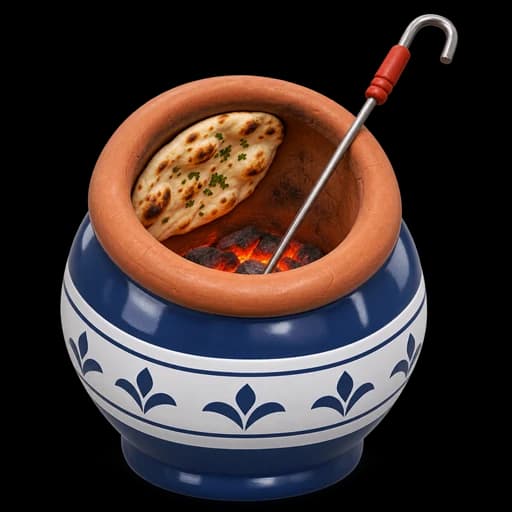 Tandoor
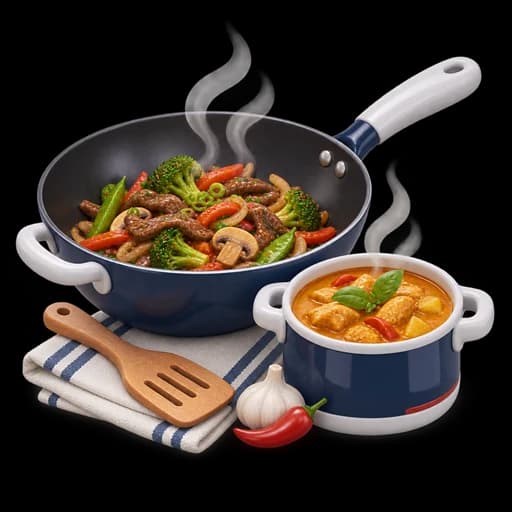 Wok and curry
 Bar
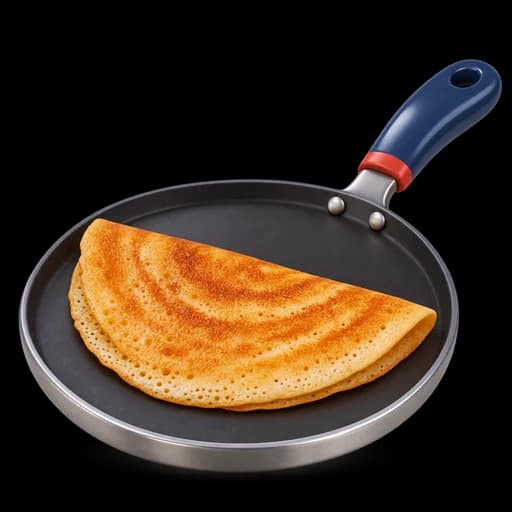 Dosa and tawa
 Dessert
 Packing
Kitchen order tickets
A kitchen order ticket system that routes itself
Set up your kitchen stations, such as tandoor, grill, dosa tawa, Chinese wok, cold section, desserts and bar, and tell each menu item where it is cooked. When the order is sent, Fininvo creates a KOT for each station with only that station's dishes, the table or token, the course, and notes such as less spicy or no onion.
Use Send to fire now, Stay to keep items on the order until the table is ready, and Hold for a later course. KOT numbers restart each day per outlet so the kitchen can call them out. With the Windows desktop app acting as the outlet print agent, tickets print over the local network to each station printer, with a backup printer when one jams, and can print in two languages.
- One ticket per station, automatically
- Send, Stay and Hold for courses
- Daily KOT numbers per outlet
- Modifiers, notes, veg mark and allergens on the ticket
- Line void with a reason and manager PIN
Kitchen display
A kitchen display that keeps the pass calm
Put a screen at each station and one at the pass. The kitchen display system shows tickets as they arrive and keeps the kitchen and the floor looking at the same thing.
Tickets by station
Each screen shows only its station's dishes, with modifiers and notes, an all-day count of what to prep, and a chime for new tickets.

Dish-level ready
Cooks tap a dish to mark it done. Every dish has a target time, and late dishes change colour so the head chef can step in.
Expo and token board
The pass sees which tables are complete and ready to run. A token board tells takeaway guests when their order is ready.
Sold out in one tap
Mark a dish sold out from the kitchen screen and the counter stops selling it until it is back.
Ordering channels
QR ordering, your own machine at the table and your own online orders
QR table ordering
Guests scan the table QR, browse the menu on their phone and send an order request. Staff accept it into the table order before anything reaches the kitchen.
Payments on your own machine
Connect your own POS machine to take card and UPI payments at the table or the counter, or take cash. Every payment is recorded against the bill, so the shift report and accounts match.
Direct pickup and delivery
Share your own ordering link with time slots and delivery pin codes. Staff accept each order before it reaches the kitchen.
Cloud kitchen brands
Run several brands from one kitchen, each with its own menu. The brand shows on every order and on the kitchen screen.
Cloud kitchen software
Kitchen reports
Kitchen speed, voids and complimentary items, each report stating where its numbers come from.
- Merge orders
 Split payment
 Cash
 UPI
- Card
- Parcel charge
Settling the bill
Split bills, charges and tips without a calculator
When the table asks for the bill, the cashier can split it equally, by items, or by custom amounts, and take a different payment method for each part: cash for one guest, UPI for another. Another open order can be merged in first, for example when two tables of the same party want one bill.
Service charge is opt-in and shown clearly to the guest, parcel charges apply to takeaway, and priced add-ons such as extra cheese appear as their own lines. Tips can be added at settlement, and complimentary items are recorded with a reason and approval rather than deleted from the order.
- Split equally, by items or by amount
- A different payment method for each part
- Merge open orders before settling
- Opt-in service charge, parcel charge and add-ons
- Tips and approved complimentary items
One order, end to end
From table to kitchen to bill
- 1
Seat the guests
Pick the table on the floor plan, or seat a reservation from the board. The table turns seated.
- 2
Take the order
Add dishes with their options and notes, or accept the guests' own QR order request.
- 3
Fire to the kitchen
Send the first course now and hold the rest. Each station gets its own KOT or screen ticket.
- 4
Cook and run
Cooks mark dishes ready, the pass sees the table complete, and the runner serves.
- 5
Settle
Print the bill, split it if needed, and take cash or card and UPI on your own POS machine.
- 6
Close the day
The shift report, kitchen reports and the GST sale are already in your ERP books.
Offline and connected
Built for a Friday night rush, and for the morning after
Service cannot stop when the internet does. A designated device can keep running the tables it owns through an outage, recording held and fired orders, voids and kitchen prints locally and reconciling them once when the connection returns. Retail-style counters on the Windows desktop app can keep billing offline within limits the owner sets.
The morning after is where a connected POS pays for itself. Every settled bill is a GST sale in Fininvo ERP, stock moves as dishes sell, and the owner sees sales by item, by staff and by channel without exporting a spreadsheet. If you also run a retail counter or a bakery, it uses the same Fininvo POS.
FAQ
Frequently asked questions
What is a kitchen order ticket (KOT)?
A KOT is the slip that tells the kitchen what to cook for a table or a takeaway order. In Fininvo POS the waiter or cashier sends items from the restaurant counter, and each send creates a KOT with a readable number for the day, the table, the order mode and any notes. It prints at the right kitchen station or appears on the kitchen display.
How is a kitchen order ticket system different from a kitchen display?
A KOT system prints tickets on paper at each station. A kitchen display system (KDS) shows the same tickets on a screen, where cooks mark dishes ready and the pass sees what is waiting. Fininvo supports both, and a kitchen can use printed KOTs at one station and a screen at another.
Can guests order from their table with a QR code?
Yes. Each table can have its own QR code. Guests scan it, see the menu on their phone and send an order request. Staff accept the request into the table order, so nothing reaches the kitchen or the bill without a person checking it.
Can I split a restaurant bill?
Yes. A table bill can be split into equal parts, by items, or by custom amounts, and each part can be paid with a different method. You can also merge another open order into the bill before settling.
What happens if the internet goes down during service?
A designated device can keep running the tables it owns: holding and firing orders, voids and kitchen prints are recorded locally and reconciled once when the connection returns. Coordinating several devices offline at the same outlet is not supported, so plan one device per section for outages.
Does it work for a cloud kitchen with several brands?
Yes. You can run several brands from one kitchen, each with its own menu and outlets. The brand shows on every order and on the kitchen display ticket, socooks pack the right bag.
14 days free, full access
Run your next service on Fininvo
Add your menu, draw your floor, set up your kitchen stations and take your first order. Your team learns it in a shift.
Start with a 14-day free Fininvo ERP trial, then add POS counters. Paid plans start after the trial.