A board per role
Every job has its own stages from Applied to Hired, so requirements never mix and a recruiter can switch roles without losing the thread.

Fininvo Recruit · Staffing and placement
Agencies live on speed: many open roles, the same candidates fitting more than one of them, and recruiters measured on placements. Fininvo Recruit gives each role its own board and lets the whole team draw on one talent pool.
Built for volume
The features agencies use most, all available in the same console your recruiters already work in.
Every job has its own stages from Applied to Hired, so requirements never mix and a recruiter can switch roles without losing the thread.
Save a requirement once and post it again for the next client with the same role. Fininvo presets cover common roles.
Search discoverable candidate profiles by skill, city and experience, or prefill the search from one of your live jobs.
Send an outreach message to a candidate you found, and continue conversations with applicants in the same inbox.
Bank good candidates from any role. The pool is private to your account and shared by your team.
Download the resumes of shortlisted candidates for a role as one ZIP to send to the hiring client.
Add recruiters and team leads as seats; higher plans let you set permissions per seat.
See which recruiters move candidates, which sources produce applicants and where the funnel narrows.
Buy a promotion credit to feature a job, add an Urgent badge, or highlight it in its category for 7 days.
How agencies set it up
Sign up as an employer and verify with your domain, GSTIN or a document.
Logo, cover image, photos, benefits and your hiring information. This is what candidates see.
Put the role and the client or sector in the title or department field so each board is easy to find.
Add seats on a paid plan and assign interviews to the recruiter who owns the role.
There is no client portal, no client billing or invoicing for placement fees, and no separation of candidates by client inside one account. If you need those, keep them in your agency billing system and use Recruit for sourcing, screening and interviews.
Plans for agencies
| Limit | Why it matters to an agency | Where it grows |
|---|---|---|
| Live jobs | Every open requirement is a live job | Higher on each paid plan; custom on Enterprise |
| Team seats | One seat per recruiter or team lead | More seats per plan; per-seat permissions on higher plans |
| Daily outreach | Sourcing beyond applicants | Higher daily allowance per plan |
| Talent pool size | Candidates you can bank for later | Larger pool per plan |
| Resume exports per day | Shortlists sent to clients | Higher allowance per plan |
Exact numbers are on the Recruit pricing page. Agencies with high volume can request an Enterprise quote with custom limits, contract terms and invoicing against a purchase order.
Where candidates come from
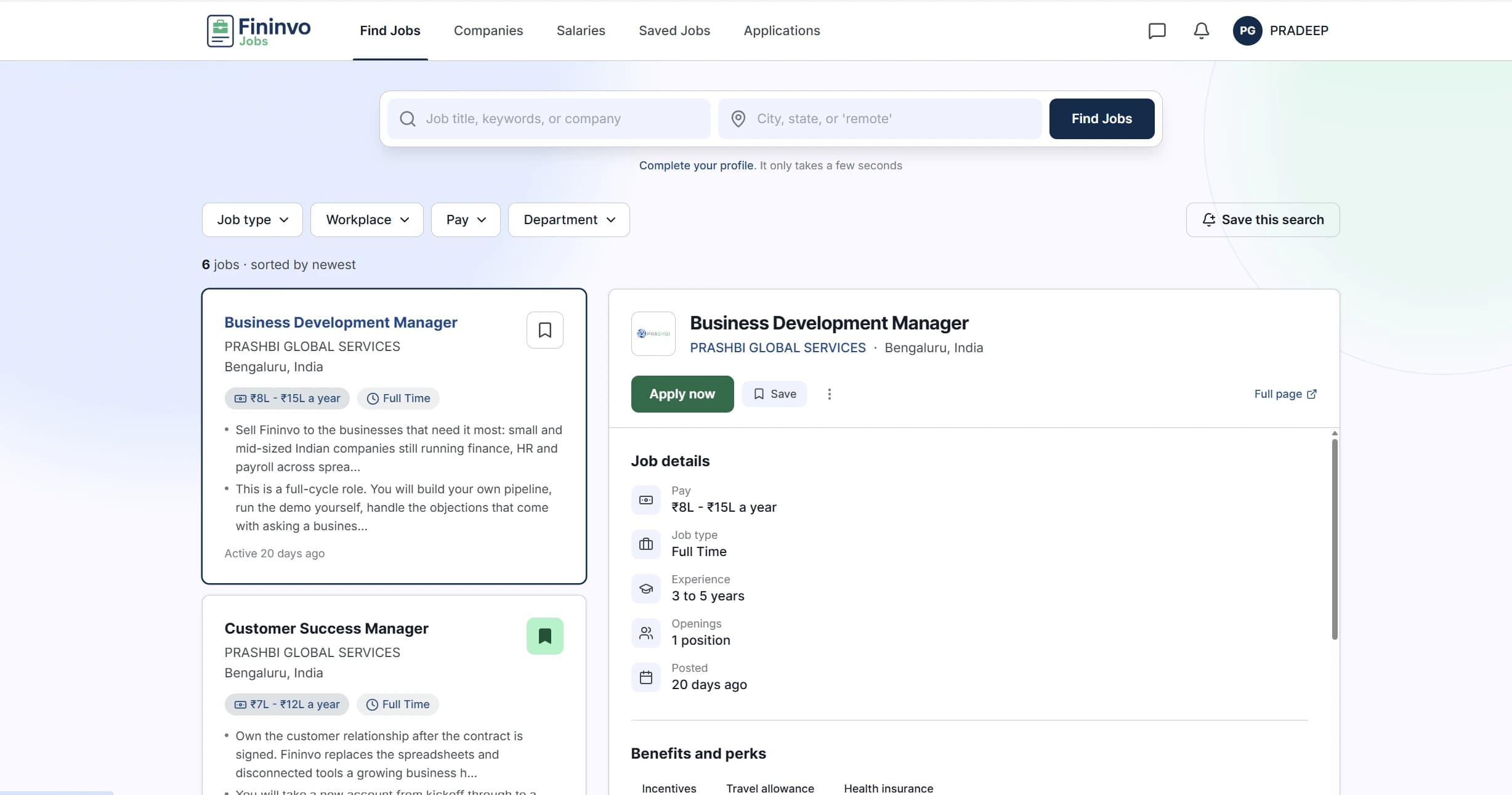
Every role you publish is listed on Fininvo Jobs, where candidates search, save jobs and apply with their profile and your screening answers. Your agency's company page lists all your open roles in one place, which gives repeat candidates a reason to come back.
Candidates who choose to be discoverable can also be found through Find Candidates, which is how agencies fill roles before the applications arrive. Comparing tools for your agency? See how Fininvo Recruit compares.
Agency workflow
Monday starts with new requirements. A recruiter opens the template for the role, adjusts the location, pay range and screening questions for this client, and publishes. Before applications arrive, the same recruiter runs Find Candidates with the job's skills and city prefilled, checks the talent pool for people who nearly made it last time, and sends outreach messages within the day's allowance.
By midweek the board for the role has applicants at several stages. Screening answers have already separated the clear misses, so the recruiter spends the review time on the borderline cases, rating each candidate and leaving notes a colleague can pick up. Shortlisted candidates move to Under review, and their resumes go to the client as one ZIP.
Interviews the client agrees to are scheduled from the candidate, with the candidate notified and reminded the day before. When the client chooses, the candidate moves to Offer and then Hired, and the others go back into the pool for the next requirement. On Friday the team lead opens the productivity and source reports to see which recruiters and which channels filled roles that week.
Yes. An agency signs up as an employer and posts roles under its own verified company account. Each role gets its own applicant board, and the talent pool, candidate search and outreach work across all of them.
Not today. Recruit has one company account with team seats; there is no client portal or client-level separation of candidates. Many agencies label each job with the client in the title or department field and share shortlists by exporting resumes or reports.
It depends on the plan. Each plan has a live job limit, and the Enterprise plan sets custom limits for jobs, seats and outreach through a quote. Current plans are listed on the Recruit pricing page.
Yes. Save candidates to your talent pool from any application and reach out to them when a matching role opens. The pool size depends on your plan.
Yes. Find Candidates searches profiles that candidates have made discoverable on Fininvo Jobs, by name, skill, city and experience. Contact details stay hidden; you reach out with an outreach message in Recruit, within a daily allowance set by your plan.
Yes. Analytics include a hiring funnel, application sources and recruiter productivity, and reports can be downloaded for client or team reviews.
Candidates apply to your agency account and you manage the process. Candidates keep control of their own Fininvo Jobs profile, including whether it is discoverable in search.