Skip to content
Fininvo

Fininvo apps

Mobile apps for HRMS, ERP and Jobs.

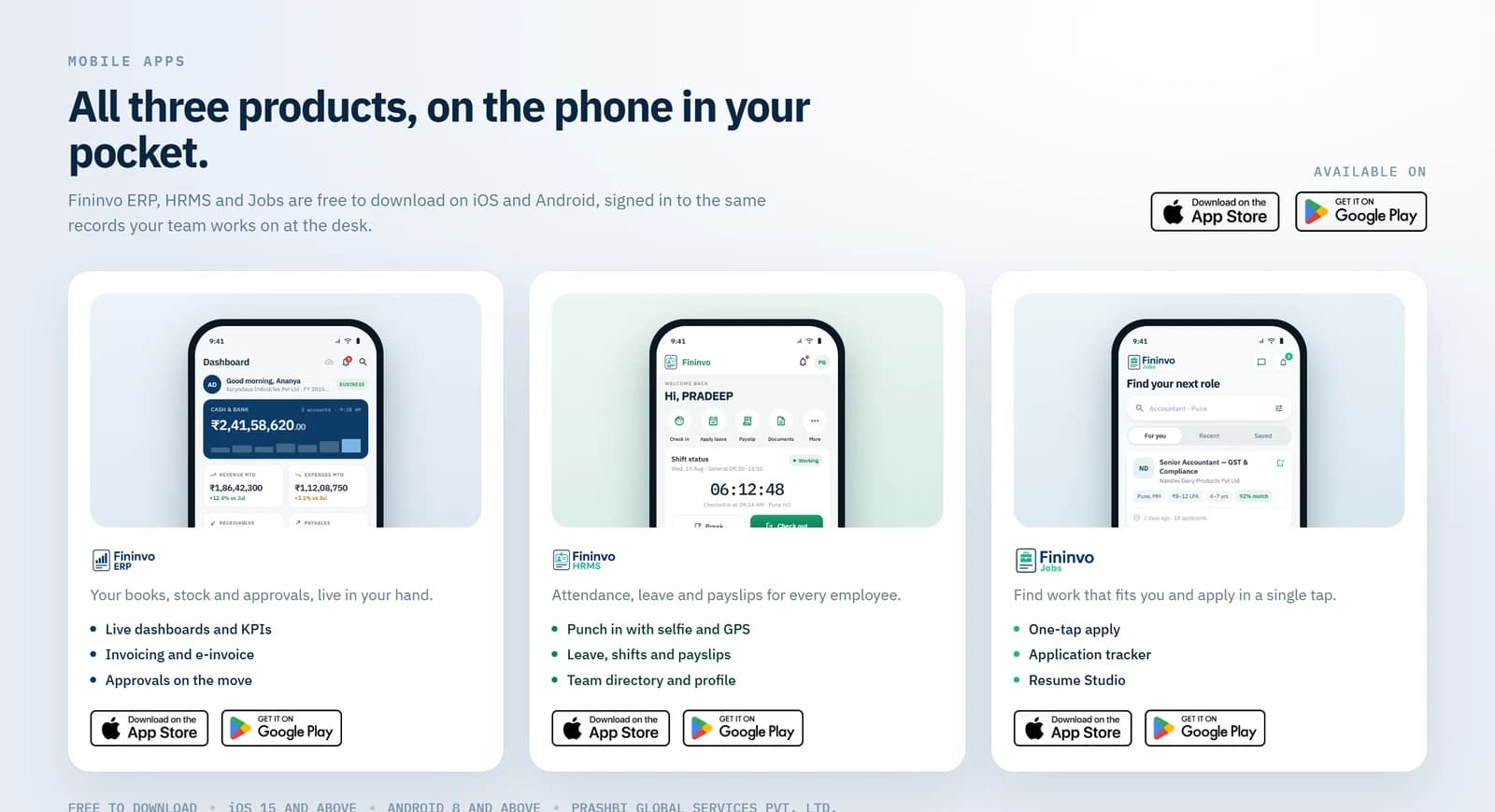
Three apps for three different jobs, all on Android and iOS. Each one signs in to the same records your team uses on the web, so work started on the phone is already there at the desk.

Fininvo ERP, Fininvo HRMS and Fininvo Jobs apps side by side on phones: business dashboard, employee check-in and job search

Pick the app for your day.

Separate apps, separate store listings. Install only the one you need.

Fininvo HRMS

For employees

The employee side of Fininvo HRMS. Punch attendance with location, apply for leave, download payslips and Form 16 and declare tax-saving investments.

  • Attendance punch with offline sync
  • Leave, shifts and regularisation
  • Payslips, Form 16 and tax proofs
About the HRMS app

Fininvo ERP

For owners, managers and staff

Fininvo ERP on the phone. Create and send invoices, approve requests, scan stock, record payments, read reports and bill at a POS counter.

  • Invoices, quotations and orders
  • Approvals inbox and stock by scan
  • POS counter billing, even offline
About the ERP app

Fininvo POS for Windows

A billing counter for a Windows computer at the shop. It keeps billing when the internet is down and sends the sales to Fininvo ERP once the connection is back.

Questions about the Fininvo apps.

Are the Fininvo apps free to download?

Yes. Fininvo HRMS, Fininvo ERP and Fininvo Jobs are free on the App Store and Google Play. The HRMS and ERP apps sign in to a company workspace on a Fininvo plan or trial; the Jobs app is free for job seekers.

Is there one Fininvo app for everything?

No. Each product has its own app and its own store listing, so employees, business teams and job seekers each install only the app they need.

Which app do employees use for attendance and payslips?

Employees use the Fininvo HRMS app. The ERP app is for running the business: sales, stock, approvals and POS billing.

Is there a desktop POS app?

Yes. Fininvo POS for Windows runs the billing counter on a Windows computer, keeps billing when the internet is down and syncs with Fininvo ERP when it is back.

Running a business?

Start with the web, add the apps.