Cloud kitchen POS
Cloud kitchen software for several brands and one kitchen
Run a biryani brand, a burger brand and a dessert brand from the same stoves. Keep each brand's menu separate, show the brand on every kitchen ticket, plan tomorrow's production from recipes, track waste and take orders on your own link.
Start with a 14-day free Fininvo ERP trial, then add POS counters. Paid plans start after the trial.
 BrandsOwn menu, colour, outlets
 Kitchen displayBrand on every ticket
 Your own linkStaff accept each order
Why cloud kitchens need more than a restaurant POS
No dining room, many brands, every order a bag
A cloud kitchen has no tables to manage and no waiters to train. What it has instead is several brands sharing one line, a stream of pickup and delivery orders, and a margin that lives or dies on prep planning and waste. A restaurant POS built around a floor plan answers the wrong questions. The cloud kitchen owner wants to know which brand is slow tonight, how much gravy to cook tomorrow, and why yesterday's paneer cost more than the recipe says.
Fininvo cloud kitchen software starts from brands and the kitchen. Each brand has its own menu and the kitchens that cook it, and every order carries its brand to the kitchen display and the reports. Production sheets turn advance orders and your forecast into a cooking plan from your ERP recipes, and recipe consumption, waste and central kitchen transfers keep food cost in the books instead of in a spreadsheet.
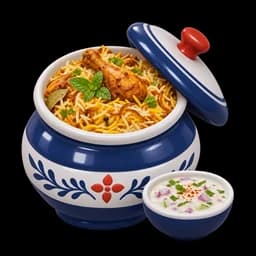 Biryani brand
 Burger brand
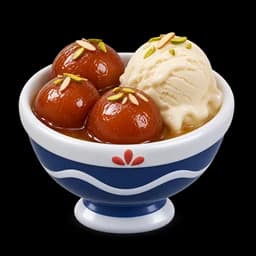 Dessert brand
Multi-brand
One kitchen, several brands, no mix-ups
On the Cloud kitchen brands screen, a manager adds a brand with its name, chip colour and logo link, ticks the kitchens that cook it, and chooses its dishes. Leave the dish list empty and the brand sells the whole menu; fill it in and the brand sells only those dishes. Brands can be retired, which keeps their past orders and reports intact.
At the counter the cashier picks the brand for the order. Once the order is sent to the kitchen the brand is fixed, and the counter refuses a brand that does not cook at this outlet or a dish outside the brand's menu. Bills use your price list, so tax and stock behave exactly as for any other sale.
- Name, colour, logo, active or retired
- Kitchens that cook each brand
- Brand menu or whole menu
- Brand fixed after send
- Wrong brand or dish refused
Kitchen display
The line sees the brand, the pass sees the bag
Every ticket on the kitchen display carries a coloured brand chip, so cooks and packers know at a glance which brand a dish belongs to.
Station screens
Each screen filters to its station, with new, cooking and ready columns and an all-day cook list.
Packing and pass
Create a packing station and route to it, so the person sealing bags sees brand, token and every dish.

Token board
A guest-facing screen shows preparing and ready tokens for pickup, and can announce ready tokens aloud.
Sold out
Mark a dish sold out from the kitchen and the counter stops offering it until it is back.
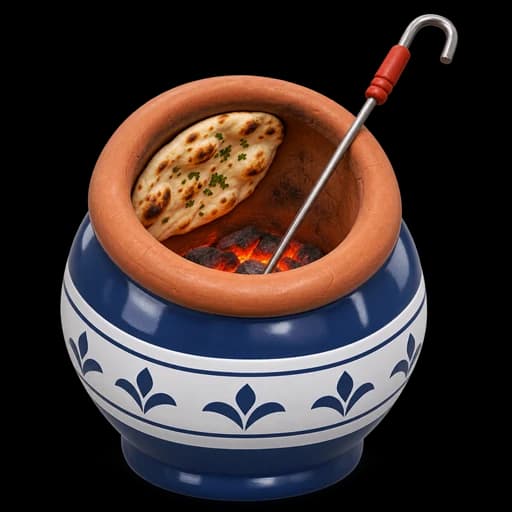 Tandoor
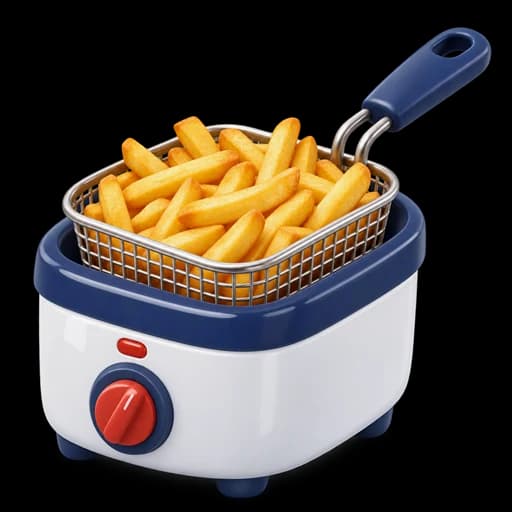 Fryer
 Dessert
Kitchen production
Production sheets from your own recipes
A production sheet for a date is built from confirmed advance orders due that day plus the manager's forecast, against an optional capacity that can be overridden with a reason. It uses the pinned revision and yield of each recipe, which is the bill of materials in Fininvo ERP, so tomorrow's plan does not change because someone edited a recipe tonight.
The sheet moves from draft to reviewed, released and completed, or cancelled. Cooks record actual output; a shortfall beyond the yield tolerance needs a reason: batch loss, overbaked or burnt, under weight, equipment problem, ingredient quality or plan changed in the kitchen. A central kitchen can send prepared items to outlets as an ERP stock transfer, and the outlet records received or received short with a note.
- Advance orders plus forecast
- Capacity with override reason
- Pinned recipe revision and yield
- Draft, reviewed, released, completed
- Shortfall reasons
- Central kitchen dispatch and receipt
Worked example
One evening across three brands
A cloud kitchen cooks for a biryani brand, a burger brand and a dessert brand. This is where each part of the evening is recorded.
| Moment | What happens in Fininvo | Where you see it |
|---|---|---|
| Afternoon prep | Production sheet released for biryani base and burger patties from recipes and forecast | Food production |
| Order on your link | Guest picks pickup at 8:15, staff accept it | Direct orders inbox |
| Counter order | Cashier picks the dessert brand; brand locks when sent | Counter and kitchen display |
| Cooking | Dishes consume recipe ingredients when sent; a voided dish goes to waste with a reason | Stock and kitchen waste account |
| Close | Unsold patties written off with a reason and approved by a manager | Food production, waste |
| Next morning | Kitchen speed and late dishes by brand; recipe cost against actual use | Kitchen report, costing |

- Inbox
 Pickup
- Delivery
Direct ordering
Your own ordering link, accepted by your staff
Share your ordering link on Instagram, Google or WhatsApp. Guests see the menu with indicative prices, choose pickup or delivery, and enter a six-digit PIN code that is checked against the areas you cover. Time slots show how much room is left, and full slots are disabled.
Staff work from the direct orders inbox under guest and self-service: orders waiting to be accepted, overdue orders, and guests asking to cancel are flagged. Accept, reject, mark ready and mark handed over. Delivery is by your own staff, so nothing is cooked or sent without a person deciding.
- Pickup or delivery by PIN code
- Time slots with capacity
- Staff accept every order
- Inbox with overdue and cancel requests
- Ready and handed over steps
Food cost and reports
Know where the margin went
Recipe consumption
Consume ingredients when a dish is sent or when the order is settled. Voids go to waste or back to stock.

Waste approval
Unsold at day end, damaged, expired or failed quality check, from the counter or production, approved by a manager.

Kitchen speed by brand
Dishes, average prep time and late dishes for each brand, plus slowest dishes and a station by hour view.

Recipe against actual
Compare what the recipe says with what was used, valued at the stored stock movement cost.
Leakage report
Voids, cancels, reprints and voids after bill, so leakage is visible by person and by day.
Parcel charge
Add a packing charge to takeaway orders as its own line on the bill.
A cloud kitchen day
From plan to profit in six steps
- 1
Set up brands
Add each brand, its menu, colour and the kitchens that cook it.
- 2
Plan production
Release a production sheet from advance orders, forecast and recipes.
- 3
Take orders
From the counter or your own ordering link, each with its brand.
- 4
Cook and pack
Stations see brand chips on the kitchen display; the packing station seals the right bag.
- 5
Count waste
Write off what did not sell, with a reason and approval.
- 6
Review
Read kitchen speed by brand, leakage and recipe against actual cost.
FAQ
Frequently asked questions
Can I run several brands from one kitchen?
Yes. Create each brand with its name, chip colour and logo, tick the kitchens that cook it, and choose which dishes it sells. A brand with no dishes chosen sells the whole menu. Retire a brand when you stop it, without losing its history. Each order carries its brand from the counter to the kitchen display.
Can an order change brand after it reaches the kitchen?
No. The brand can be switched while the order is being built, and it is fixed once the order is sent. The counter also refuses a brand that is not active at that outlet, or a dish that is not on the brand's menu, so a burger brand cannot quietly sell biryani.
How does the kitchen know which bag is which brand?
Every ticket on the kitchen display shows the brand as a coloured chip. Route your packing or pass station on the display so the person sealing bags sees the brand and the token on one screen.
Can guests order directly from my own link?
Yes. Share your ordering link. Guests see the menu, choose pickup or delivery to a covered PIN code, and pick a time slot that still has capacity. Nothing reaches your kitchen until staff accept it: they accept, reject, mark ready and mark handed over from the direct orders inbox.
How do I plan production for tomorrow?
A production sheet for a date starts from confirmed advance orders due that day and adds your forecast, against an optional capacity, using the pinned recipe and yield from your ERP bill of materials. It moves from draft to reviewed, released and completed. Record actual output, and a shortfall beyond the yield tolerance needs a reason such as batch loss or equipment problem.
Does it track food cost and waste?
Yes. Recipe ingredients can be consumed when a dish is sent to the kitchen or when the order is settled, and a void either records the ingredients as waste or returns what can be reused. Write off unsold or damaged food with a reason and a manager approval, and compare recipe cost with actual use at the stored movement cost.
14 days free, full access
Launch your brands on Fininvo
Add your brands and recipes, set up your kitchen stations and take your first order on your own link. Stock, food cost and GST run in the same account.
Start with a 14-day free Fininvo ERP trial, then add POS counters. Paid plans start after the trial.